Login
The Help Desk must use the SSO login process to access SOAR.
Help Desk Login Instructions
Click the SOAR SSO link.
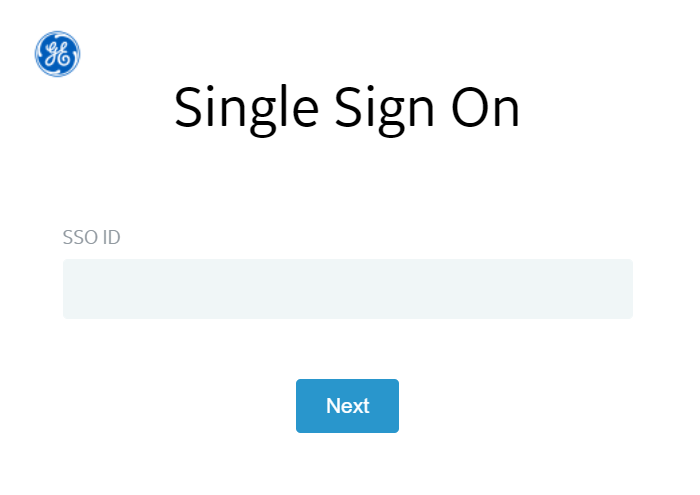
Enter the GE Healthcare SSO ID.
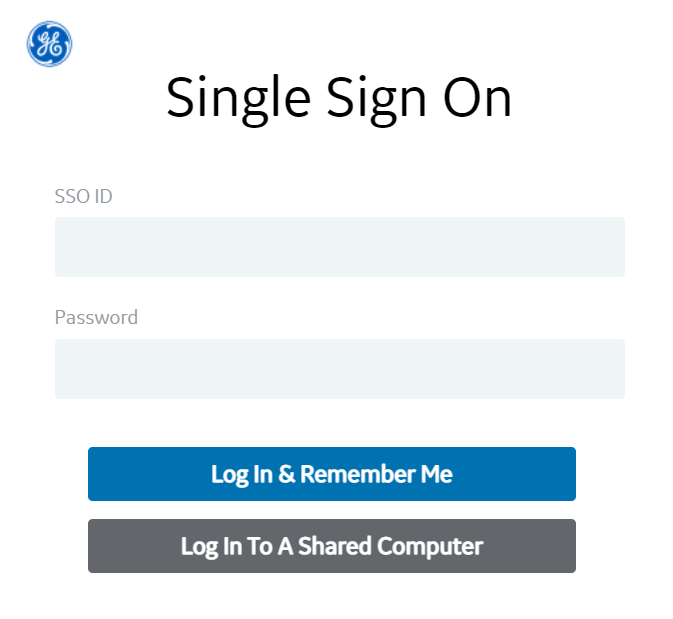
Enter a password.
Select the Help Desk role in the Role Name dropdown.
.PNG?inst-v=e256950c-b5a2-424b-a5a0-670a088a93bc)
Click the Continue button.
GE Healthcare Supplier Login Instructions
Visit Supplier Login for further instructions.
GE Healthcare Inviter Login Instructions
Visit Inviter Login for further instructions.
GE Healthcare Approver Login Instructions
Visit Approver Login for further instructions.