Inviter Login
To invite a GE Healthcare supplier, login as an Inviter using GE Healthcare login credentials.
Inviter Login Instructions
Click the SOAR SSO link.
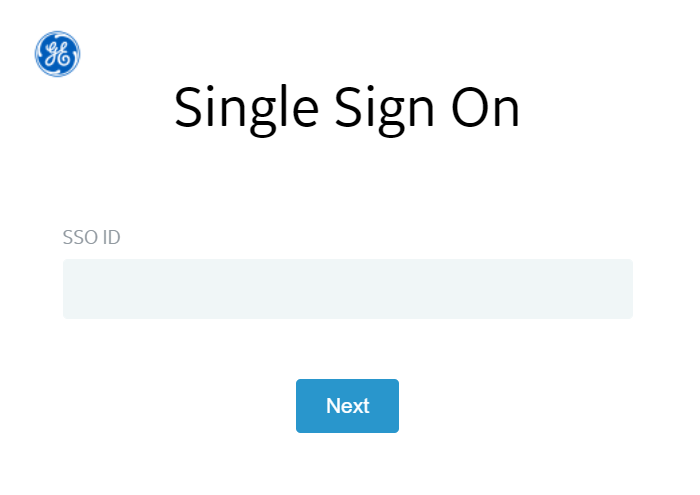
Enter the GE Healthcare SSO ID.
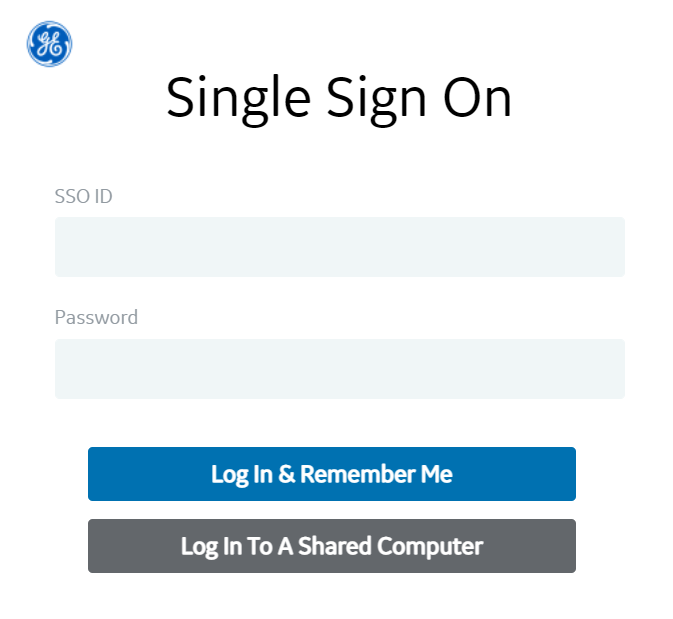
Enter a password.
Select Inviter in the Role Name dropdown.
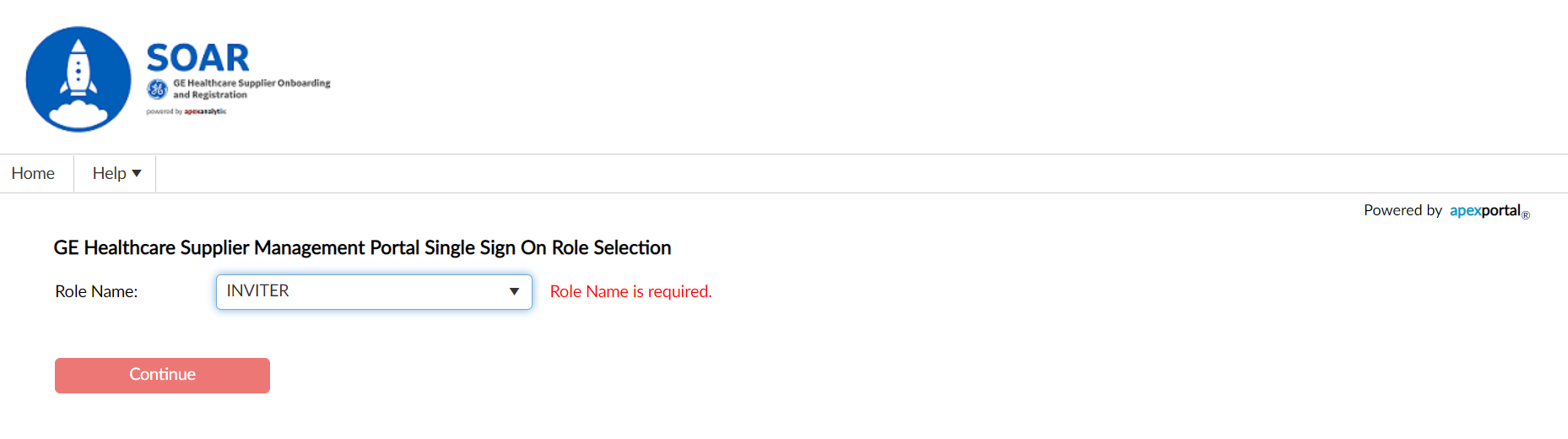
Click the Continue button.

Ensure the Inviter role is selected before continuing.