Business Certifications
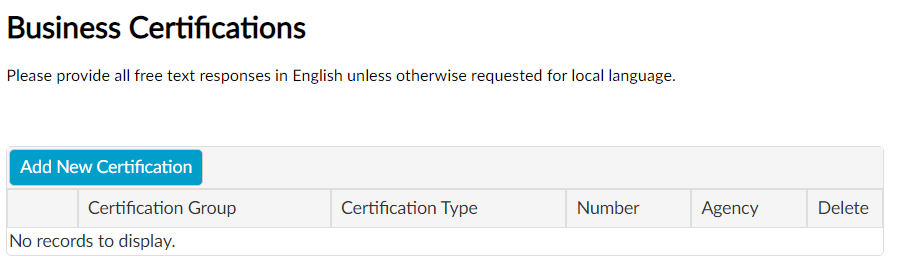
The Business Certifications section includes optional diversity certifications and is populated based on the Supplier Country previously selected in the General Business Information section.
Business Certifications Instructions
Click Add New Certification in the Business Certifications section.
Enter the Certifications Information in the new window.
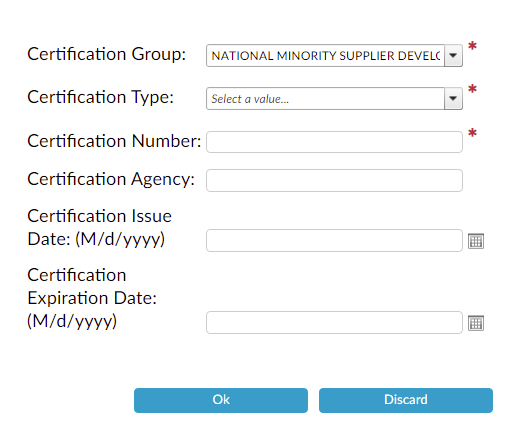
Click Ok to continue or Discard to return to the Business Certifications section.
Click Add New Certification to add another Business Certification record.
Click Edit to change a Business Certification record.
Click Delete to remove a Business Certification record.


If a Business Certification record is added it must be uploaded in the Document Upload section.

Provide all free text responses in English unless otherwise requested for local language.